01
Patient Information
Organize demographic and contact information for your existing patients.

Moving to a new EHR involves more than transferring patient information. It's an opportunity to organize your clinical workflows, configure your practice settings, and prepare your team.
Explore the essential steps for planning your EHR transition with HealthVision.
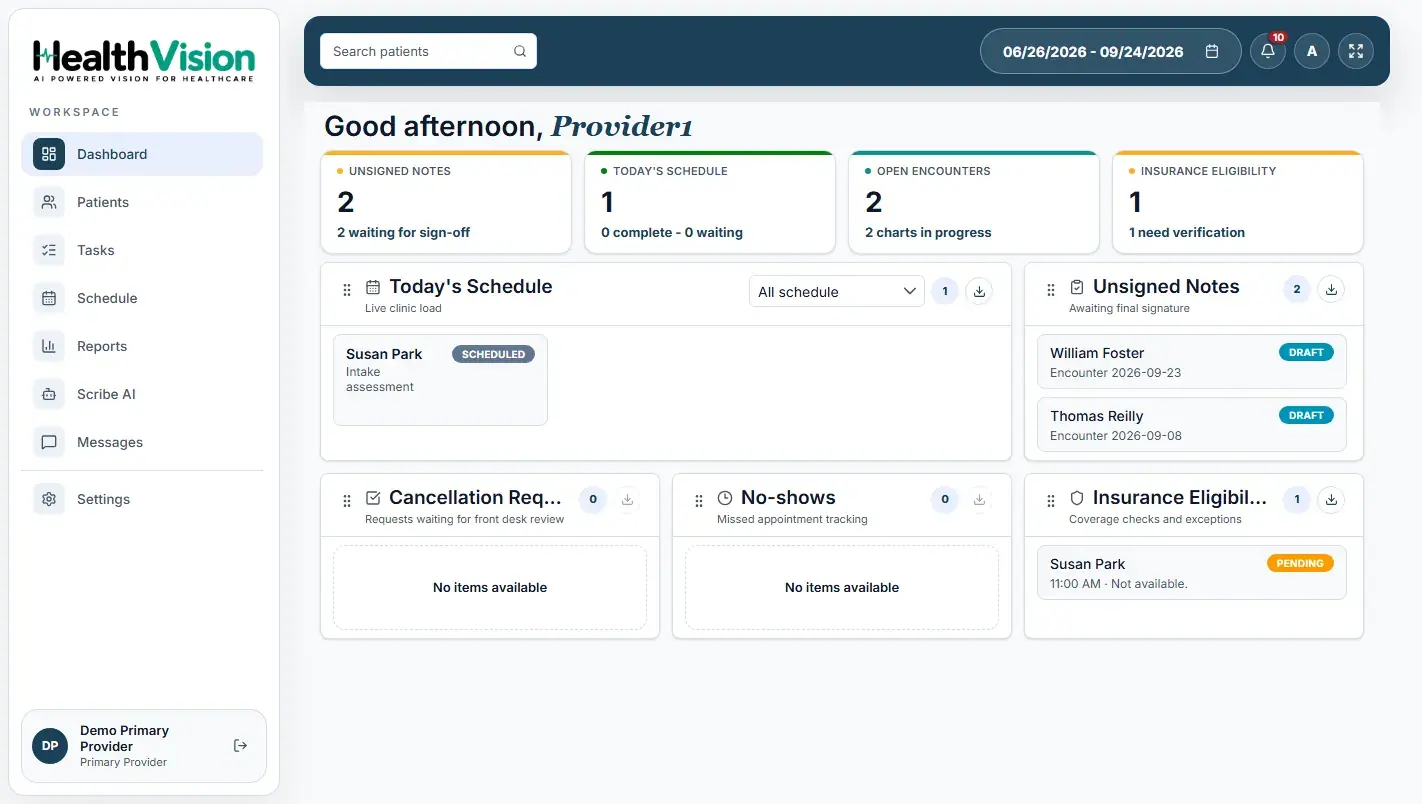
Organize demographic and contact information for your existing patients.
Review how your team documents encounters, manages medications, and completes clinical notes.
Identify your providers, facilities, user roles, and scheduling requirements.
Review how your practice manages superbills, patient payments, and follow-up tasks.
The documented HealthVision import process covers structured patient demographics.
Export patient demographic information from your existing EHR.
Prepare the patient file in Excel, CSV, TXT, or ZIP format, with a header row and one patient per row.
Upload the file through the supported workflow. The HealthVision team completes the demographic import and communicates when it is finished.
Supported import content: Structured patient demographics. Use a header row and one patient per row.
Configure staff accounts and assign access based on clinical and administrative responsibilities.
Maintain practice-location information and relevant administrative settings.
Configure available note types and templates for encounter documentation.
Set up provider schedules, facility hours, and supported appointment reminder settings.
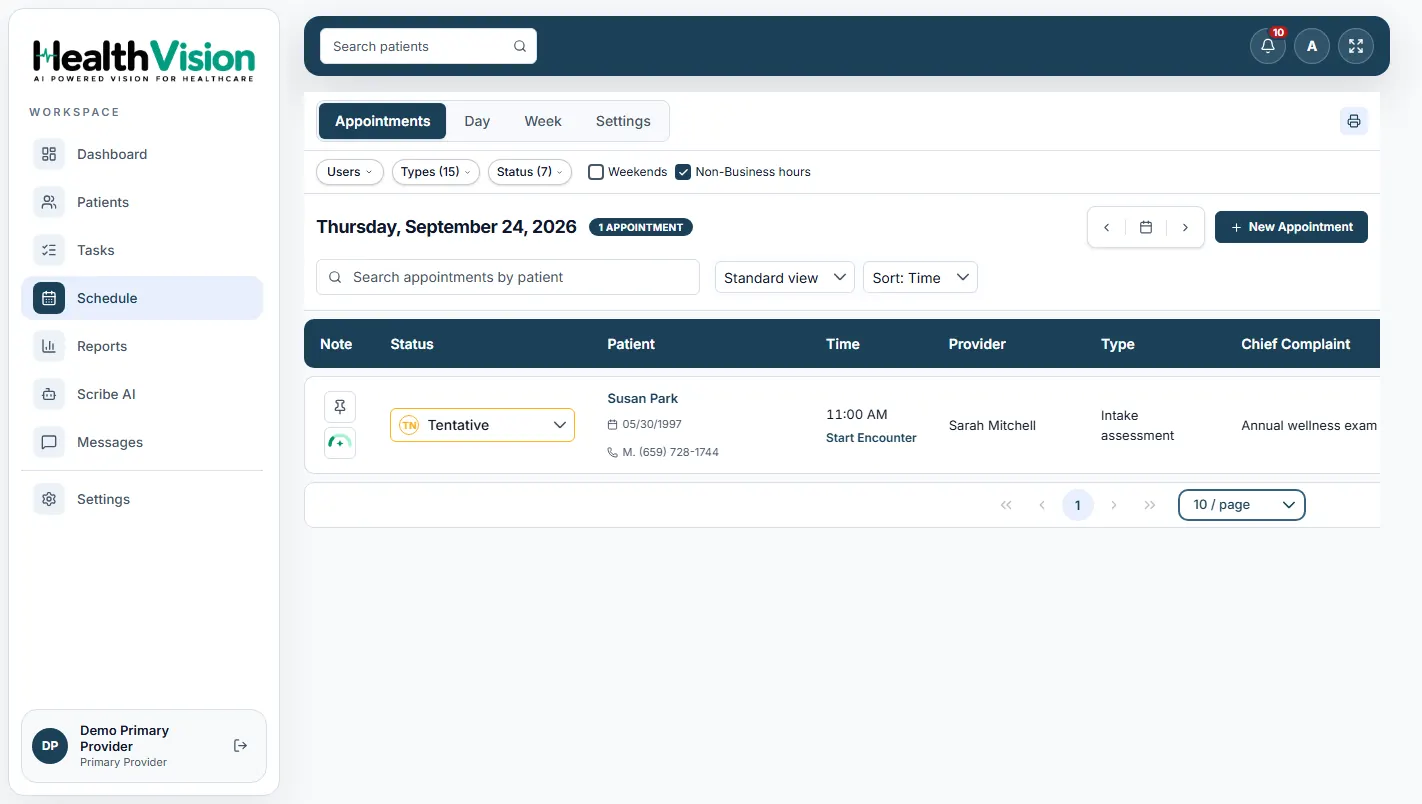
Provider scheduling and administrative workflows within HealthVision.
Check off the areas you've reviewed so your team can prepare for the next step.
HealthVision brings patient records, clinical documentation, scheduling, and billing workflows into one EHR environment, with configurable practice settings and AI-assisted clinical documentation.
Explore how HealthVision can support your practice's transition.