Patient Registration
Register new patients and maintain demographics, contact information, insurance details, and other relevant administrative records.

HealthVision brings patient registration, appointment scheduling, check-in, insurance eligibility, and appointment communication into one connected practice management workflow.
From booking appointments to managing provider calendars and patient reminders, HealthVision gives your front-desk team the tools to coordinate everyday practice operations.
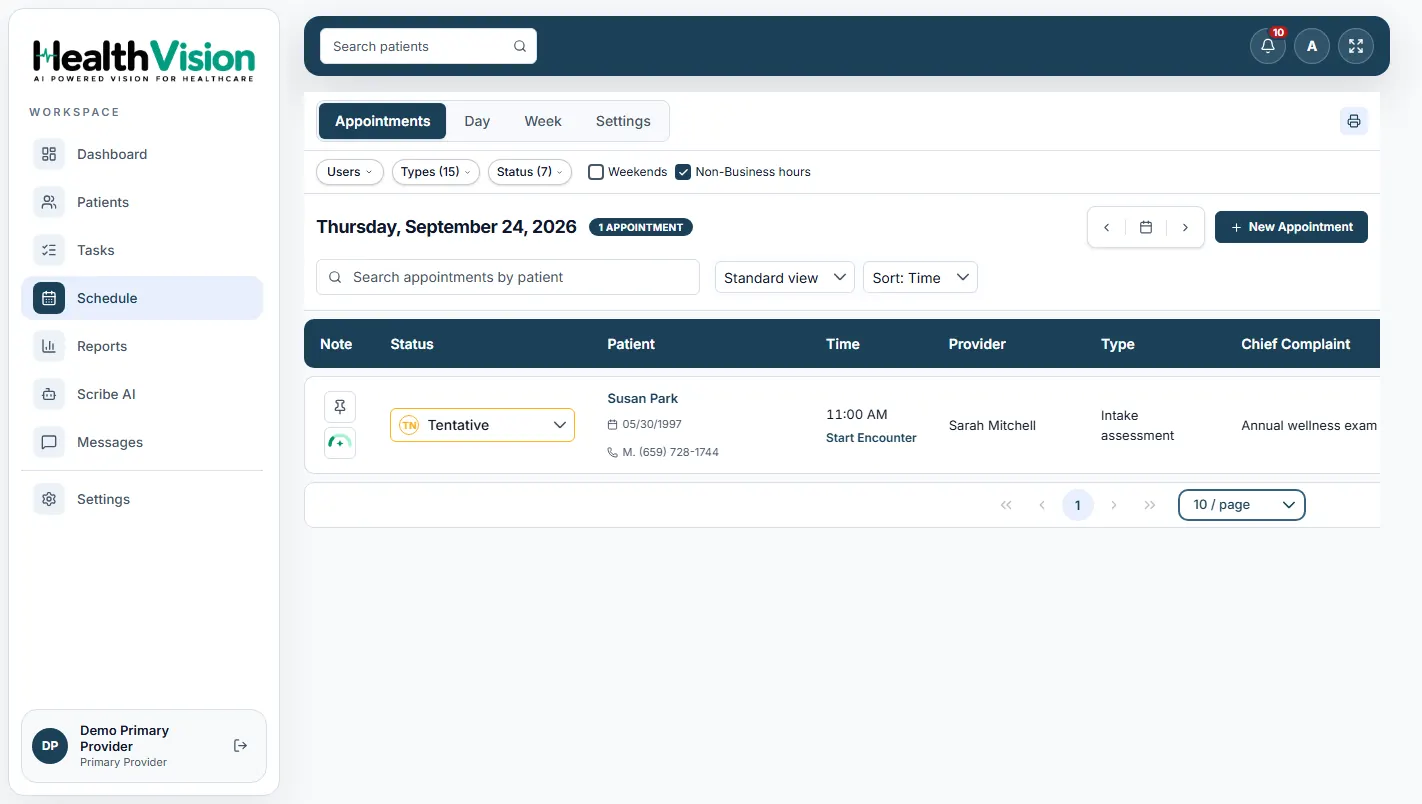
HealthVision helps front-desk teams manage patient information and appointments through connected administrative workflows.
Register new patients and maintain demographics, contact information, insurance details, and other relevant administrative records.
Book patient visits using the documented scheduling workflow, including provider availability and appointment types.
Manage appointment changes through authorized front-desk and scheduling functions.
Track appointment progress as patients arrive, move into the lobby, and complete check-in.
Review the eligibility status associated with patient appointments.
Create patient profiles with demographic information, contact details, insurance information, and relevant administrative records.
Schedule appointments based on the selected patient, provider, facility, appointment type, date, time, and provider availability.
View and manage appointments through Day and Week calendar views, with filters for providers, appointment types, and statuses.
Authorized scheduling staff can manage appointment changes and cancellations.
Review appointment confirmation information and update confirmation status when a patient confirms an appointment.
Use documented reminder configurations for email, text, and voice appointment notifications.
Update appointment statuses, review insurance eligibility information, and support the patient check-in process.
Access the appointment payment panel to review the copay due and record collected payments.
Search for an existing patient or create a new patient record with the required demographic and contact information.
Select the patient, provider, facility, appointment type, and available appointment time.
Use the supported confirmation and reminder settings to communicate relevant appointment information.
Update the appointment status as the patient arrives and completes check-in. Review eligibility and any applicable copay information.
Once the provider is ready, start the encounter directly from the appointment workflow.
HealthVision includes configurable appointment notification settings to support communication before scheduled visits.
Review timing and communication preferences within your practice settings.
Configure confirmation emails associated with booked appointments.
The product manual documents email reminders scheduled one week and 36 hours before an appointment.
The documented reminder schedule includes a voice or text notification 24 hours before an appointment.
Manage supported email, text, and voice communication preferences in accordance with the product's consent settings.
Administrators can configure relevant provider and reminder settings.
HealthVision includes documented roles and permissions for front-desk and scheduling responsibilities.
Review patient details, scheduled time, provider, appointment type, confirmation status, copay information, and insurance eligibility within the appointment workflow.
Use the documented secure internal messaging system for direct and group conversations between authorized staff.
Work with assigned and unassigned tasks through the documented Tasks module.
Review supported operational information, including today's appointments and insurance eligibility items requiring attention.
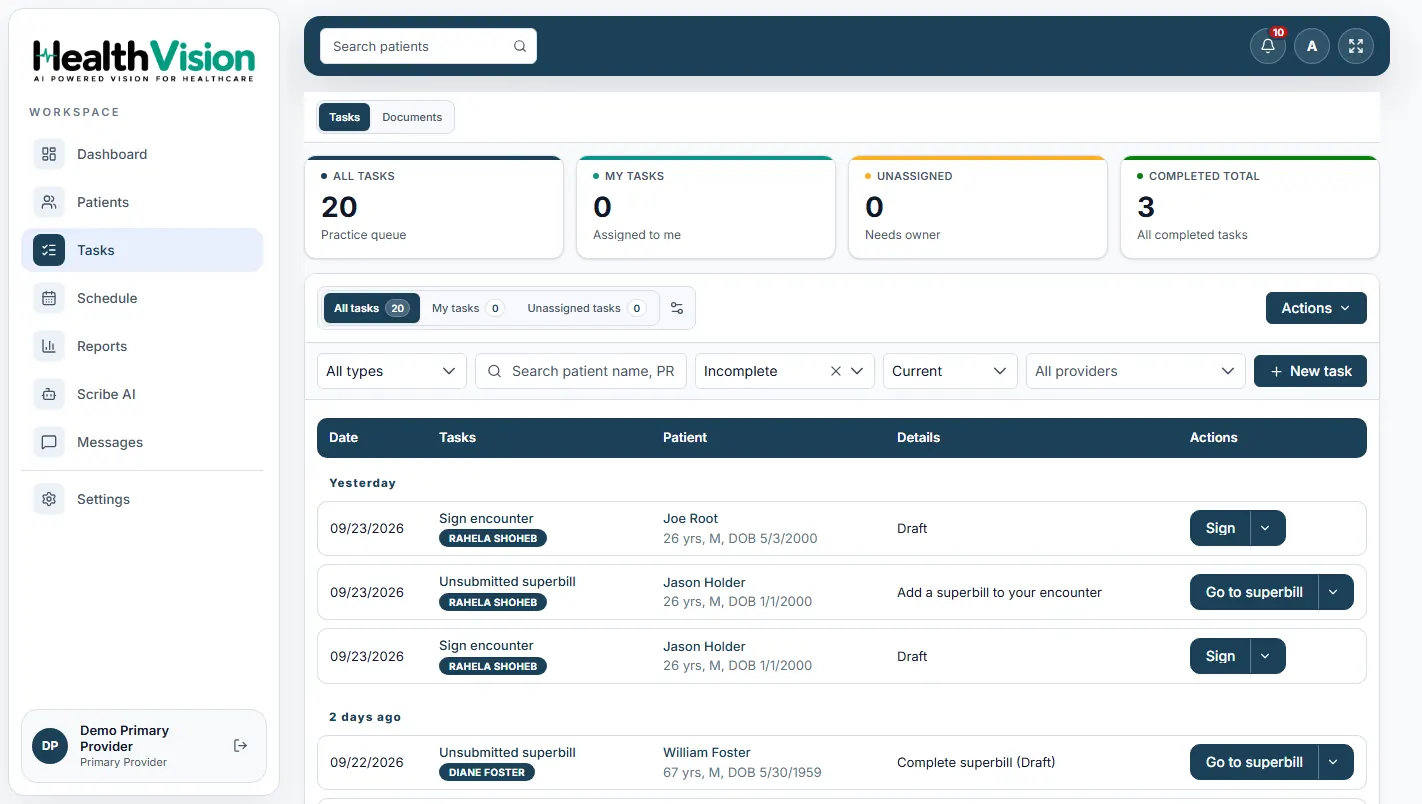
Explore appointment scheduling, reminders, insurance eligibility, and patient access workflows.
Have another question? Contact our team ↗Discover how HealthVision brings patient registration, appointment scheduling, check-in, reminders, and administrative workflows together in one practice management environment.